Security Operation

Security Operation

Threat Detection & Response

Threat Detection & Response

Overview

Overview

Overview

In physical security, every second matters. Ambient is an AI-powered platform that simplifies and automates security - monitoring cameras 24/7, identifying threats and addressing them in real-time.

Computer Vision unlocks opportunities for Physical Security

The U.S. enterprises spend 120 billion dollars per year on physical security protection. However there's no ability to detect or responds to incidents in real-time.

Computer Vision is able to understand camera footage, which unlocks the potential to transform security operation from reactive to proactive.
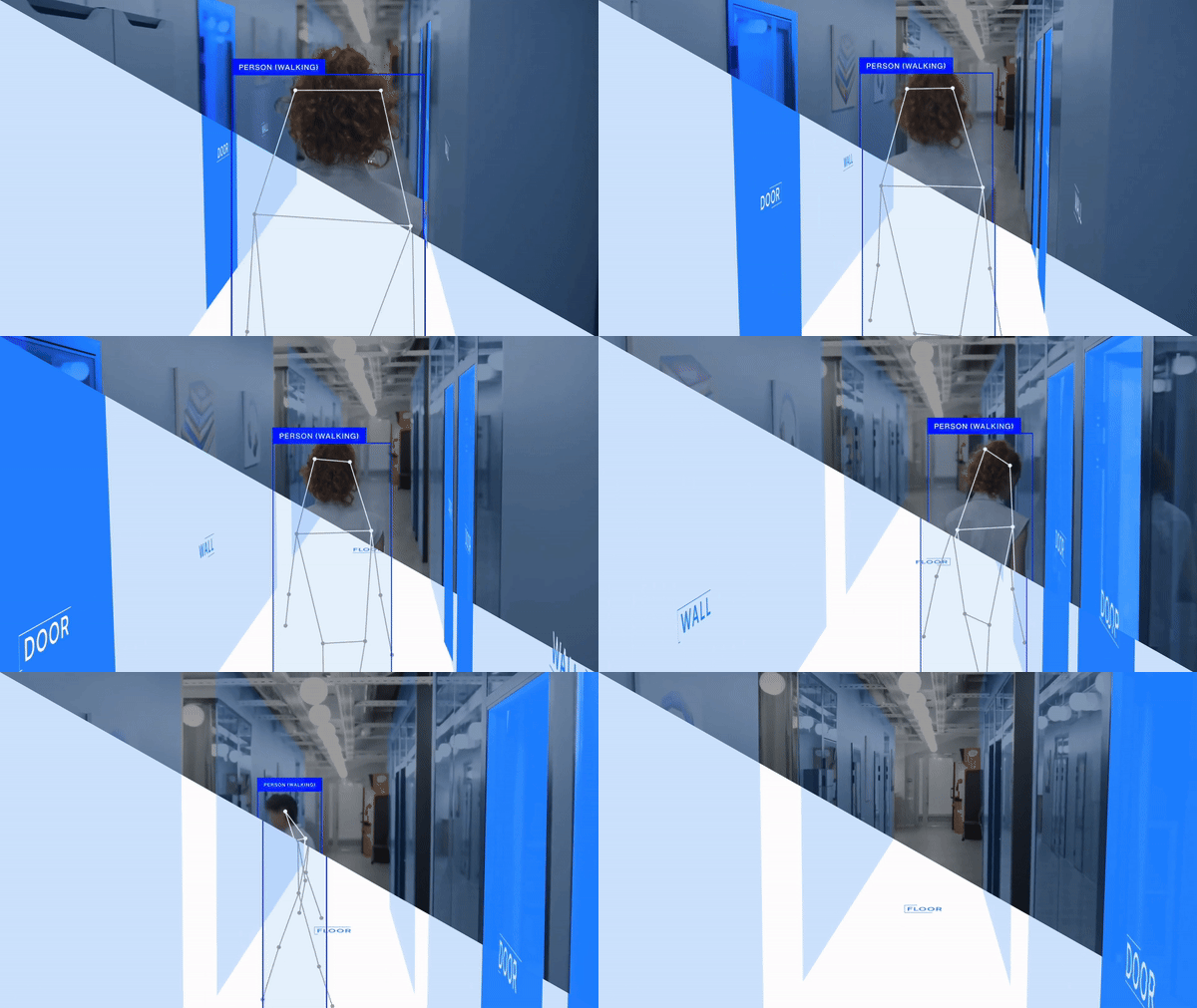
what AI sees

what AI sees

vs.

vs.

what human sees

what human sees

Problems in Security Operation Workflow:

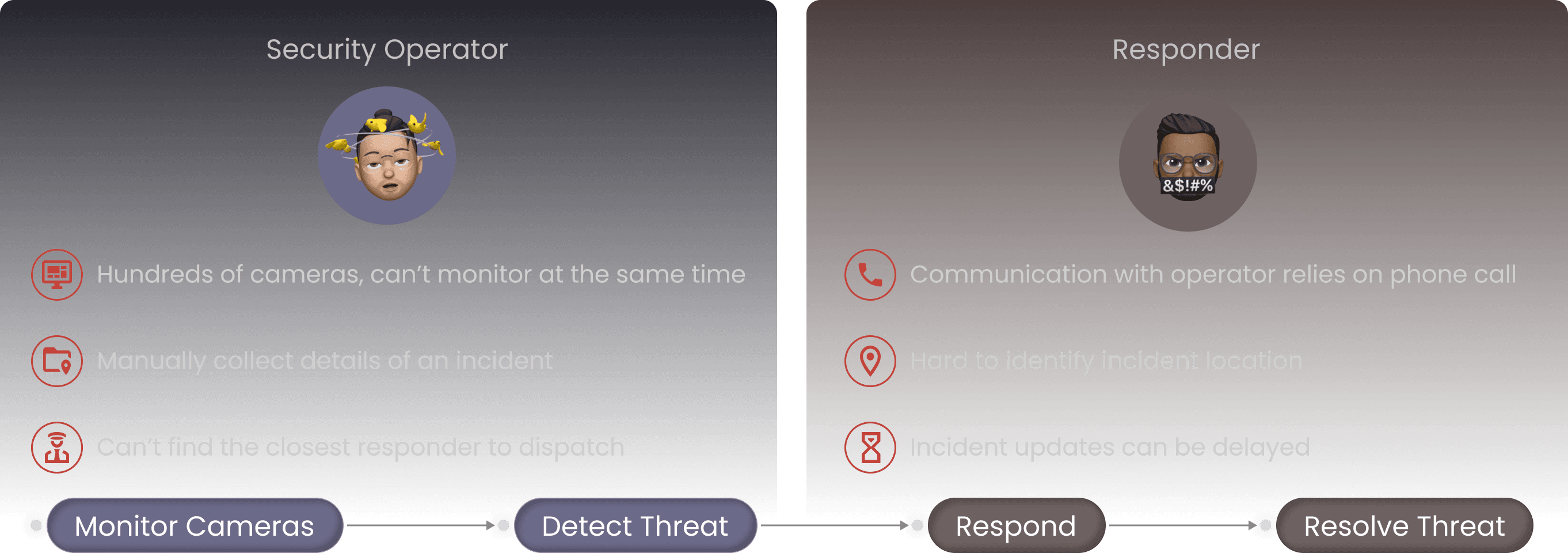
The traditional security operation flow:

The traditional security operation flow:

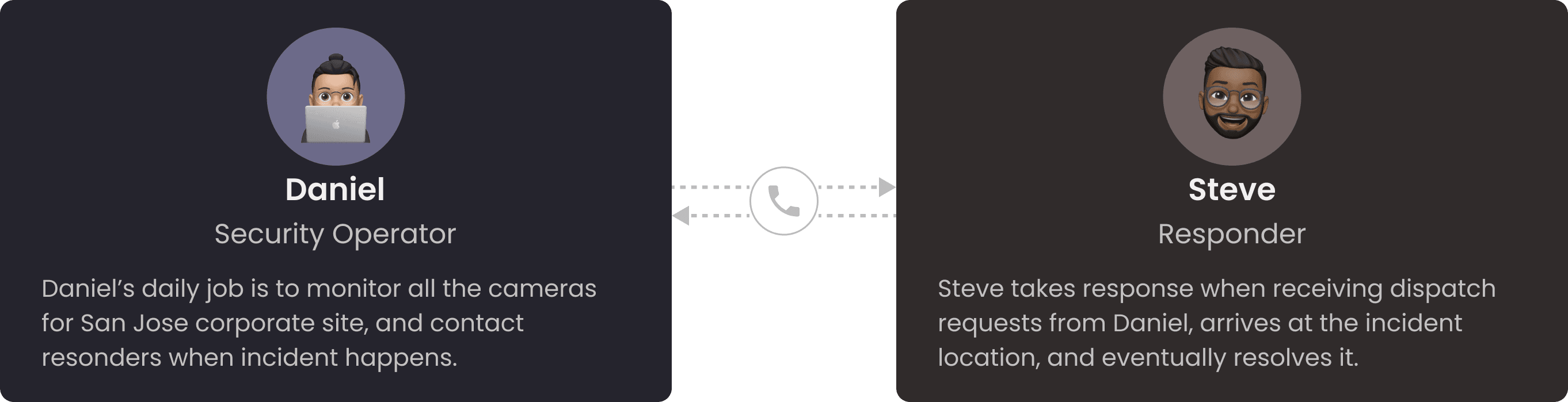
Who’s involved in this operation flow?

Who’s involved in this operation flow?

What are they complaining about?

What are they complaining about?

How Might We

How Might We

leverage AI and computer vision to transform security operation workflows from reactive to proactive?

leverage AI and computer vision to transform security operation workflows from reactive to proactive?

Ideation - Product Requirements & Platform Capabilities

Product Functionalities:

🖥

🖥

Live Monitoring

Live Monitoring

Continuously monitor behaviors by leveraging existing camera infrastructure.

Continuously monitor behaviors by leveraging existing camera infrastructure.

🚨

🚨

Alerting

Alerting

Visual alert with corresponding footage will be raised and sent to team members.

Visual alert with corresponding footage will be raised and sent to team members.

📲

📲

Mobile Dispatch

Mobile Dispatch

Integrated dispatching capabilities enable faster response with visual context.

Integrated dispatching capabilities enable faster response with visual context.

AI-Powered Security Operation Workflow:
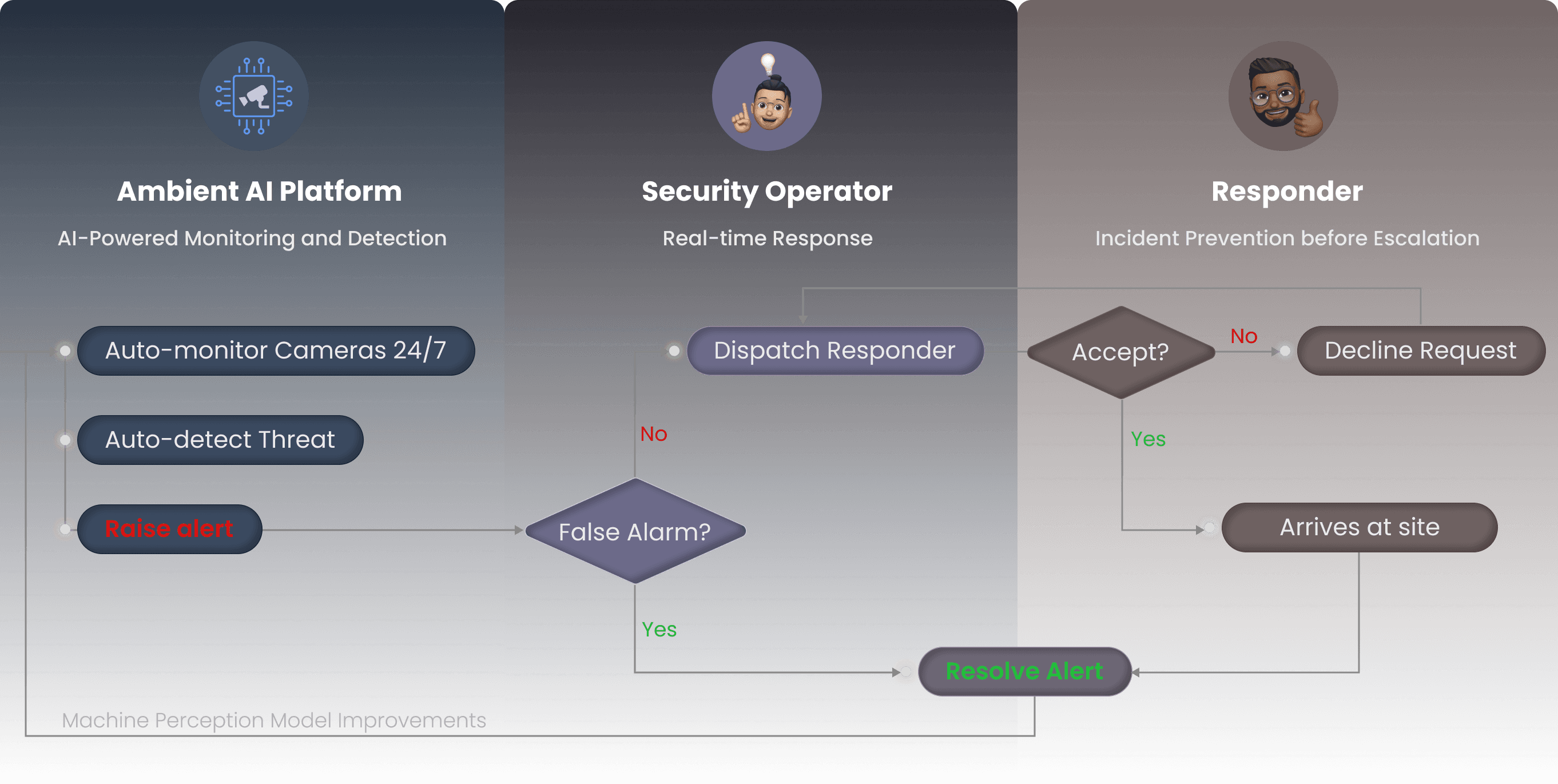
The unified platform under the hood:

Key Frames Layout

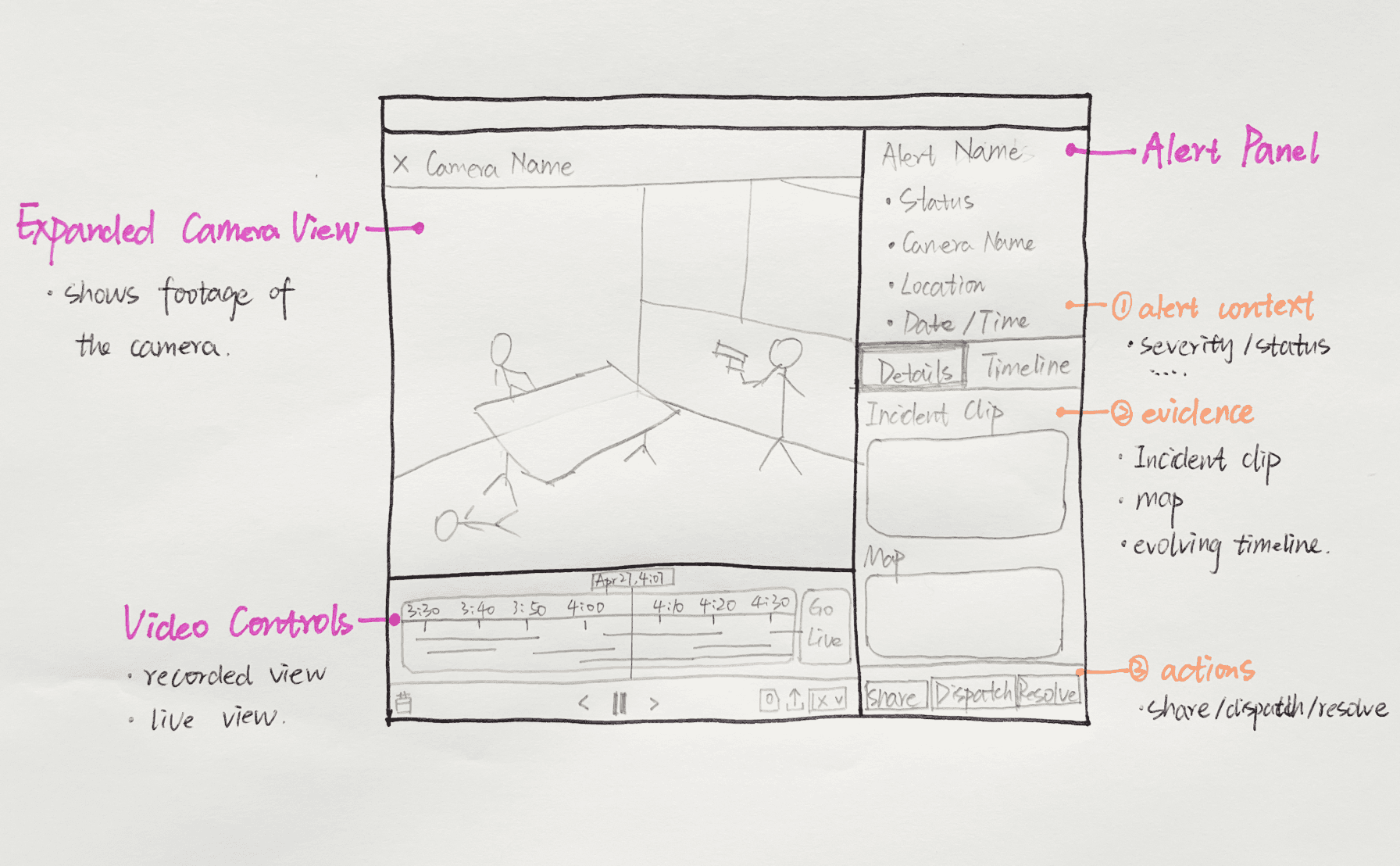
The visibility of live camera views and real-time alerts are both essential to operators. So the monitor page includes the alert feeds and operators video wall. For additional context and details, operator can open up the expanded alert page.
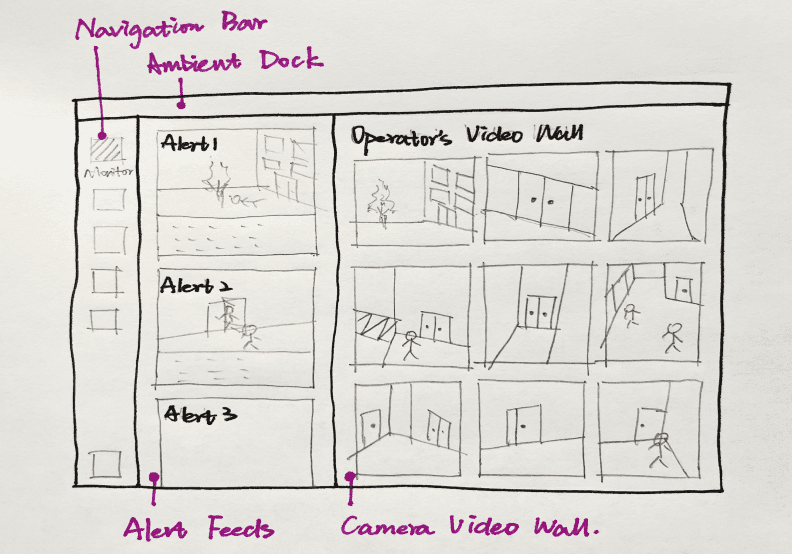
  1. LiveMonitoring

  1. Expanded Alert Page

Product Design

  1. Monitoring - Digital Video Wall

  1. Monitoring - Digital Video Wall

Operators should be able to change layout, go to full screen mode for monitoring, and turn on/off video controls.

Operators should be able to change layout, go to full screen mode for monitoring, and turn on/off video controls.

  1. Alerting - Alert Card with Visual Context

  1. Alerting - Alert Card with Visual Context

When getting alerts, operator can click on the alert card to expand the camera view. The timeline will jump to the time when the incident happened.

When getting alerts, operator can click on the alert card to expand the camera view. The timeline will jump to the time when the incident happened.

  1. Dispatch - Operator Experience

  1. Dispatch - Operator Experience

After reviewing the details of an alert, operators should take immediate action and dispatch an available responder at site.

After reviewing the details of an alert, operators should take immediate action and dispatch an available responder at site.

  1. Dispatch - Responder Experience on Mobile

  1. Dispatch - Responder Experience on Mobile

Responder will receive the dispatch notification, arrives at site, and eventually resolves the incident.

Impact & Adoption
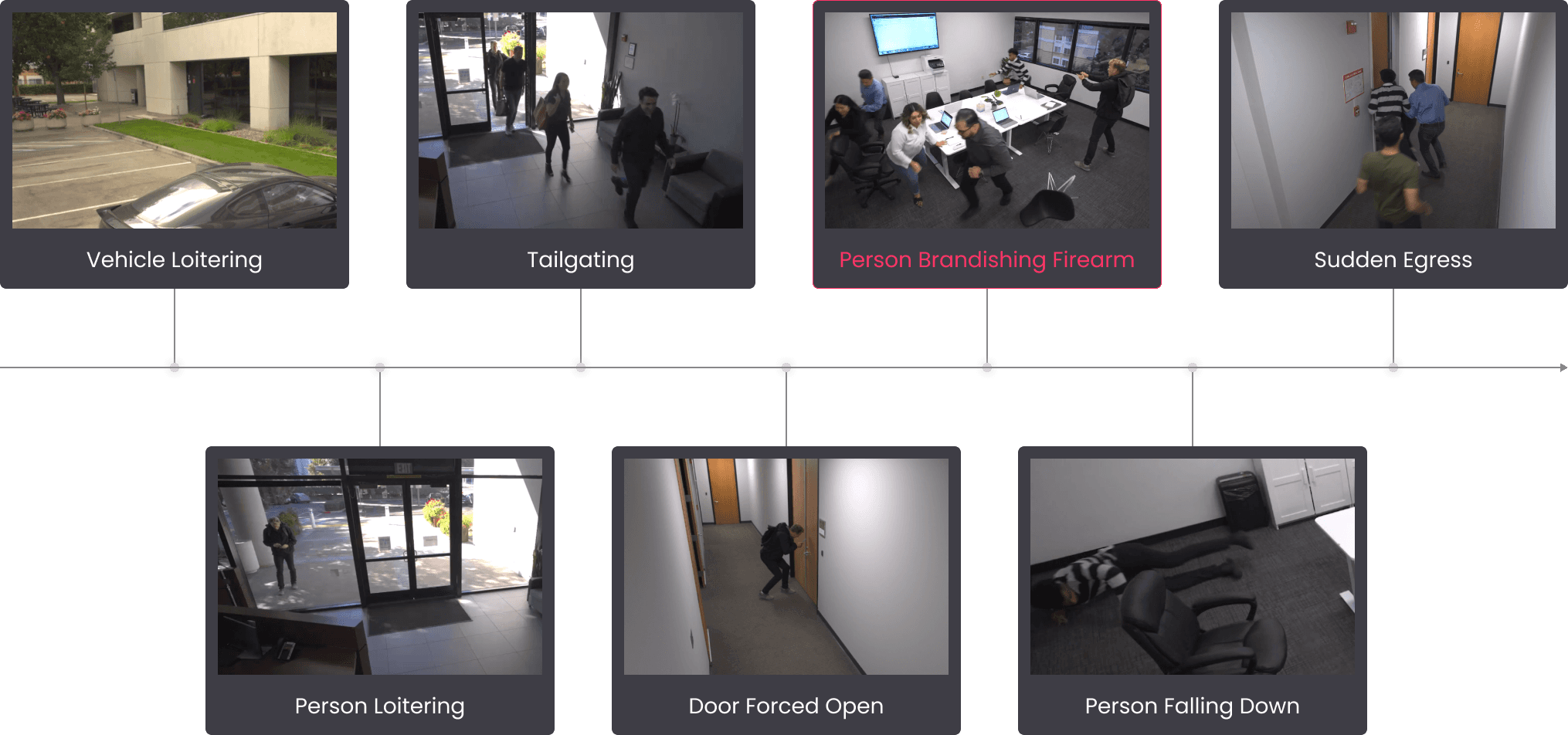
Every event in an incident is an opportunity for early detection, which has material impact on saving lives.

Every event in an incident is an opportunity for early detection, which has material impact on saving lives.

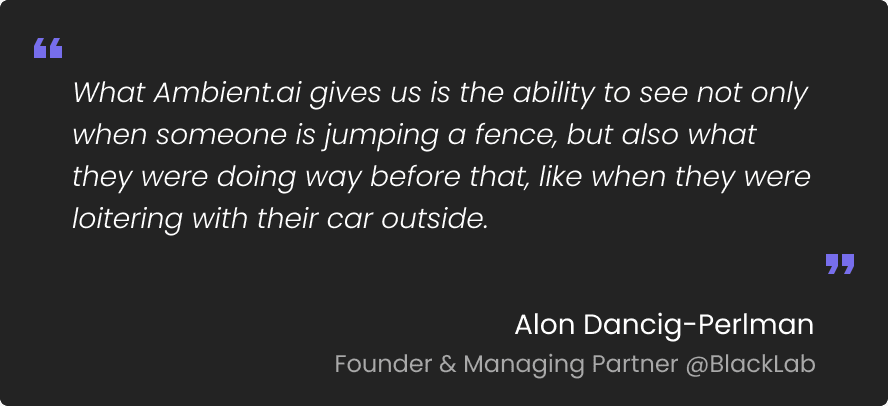
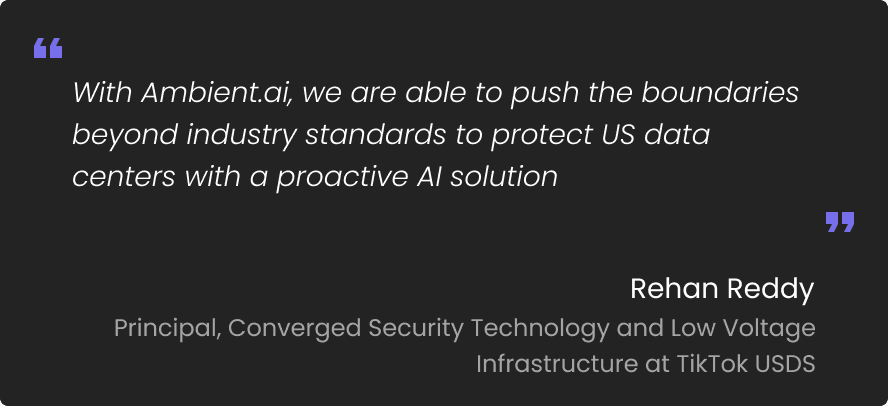
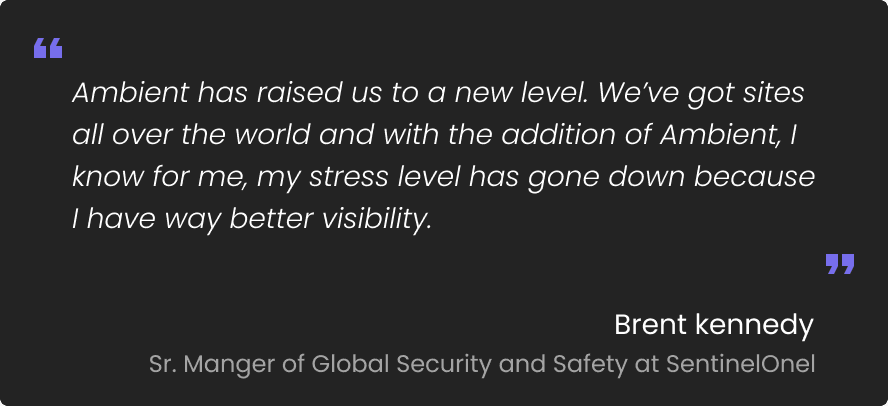
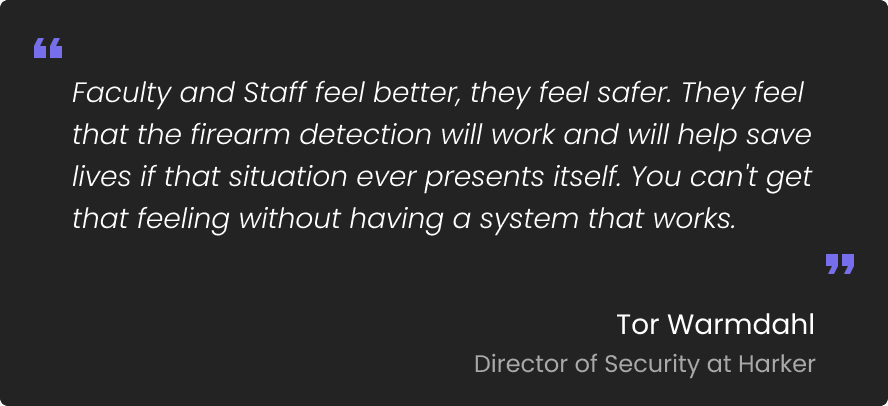
Testimonials from Customers

Testimonials from Customers

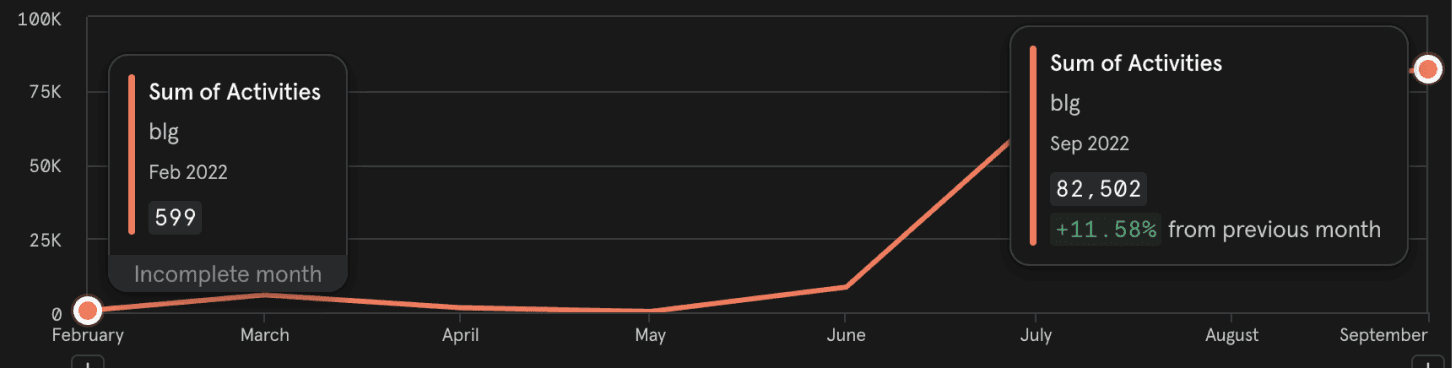
Feature Usage Improvements

Feature Usage Improvements

Video Wall Usage

Video Wall Usage

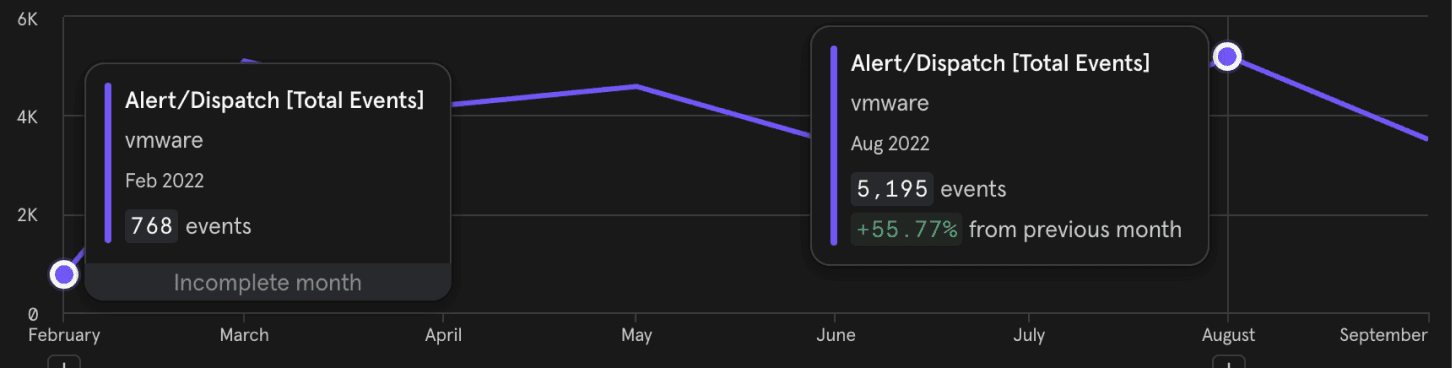
Dispatches

Dispatches

Next Step

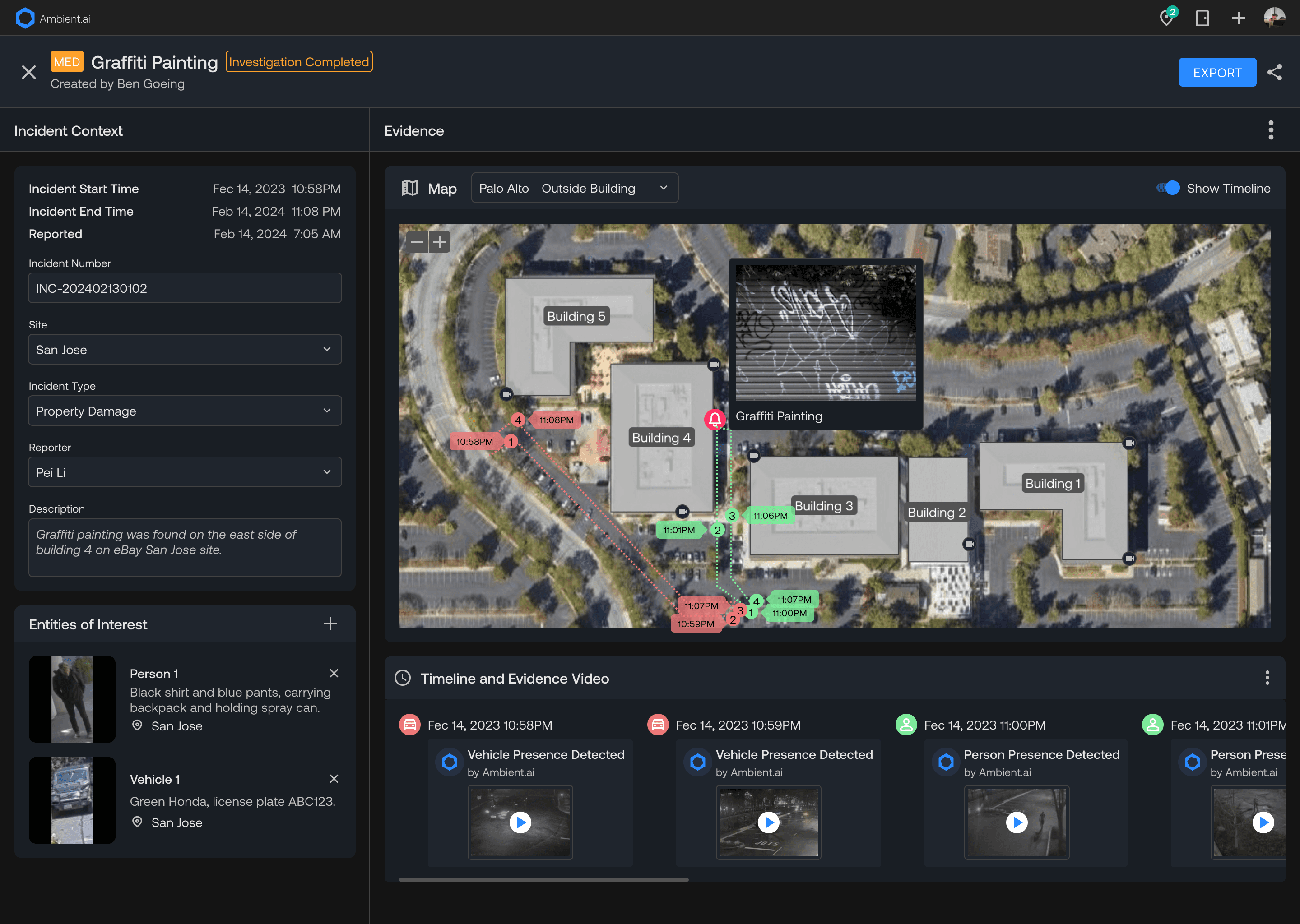
Floor Plan Integration

Floor Plan Integration

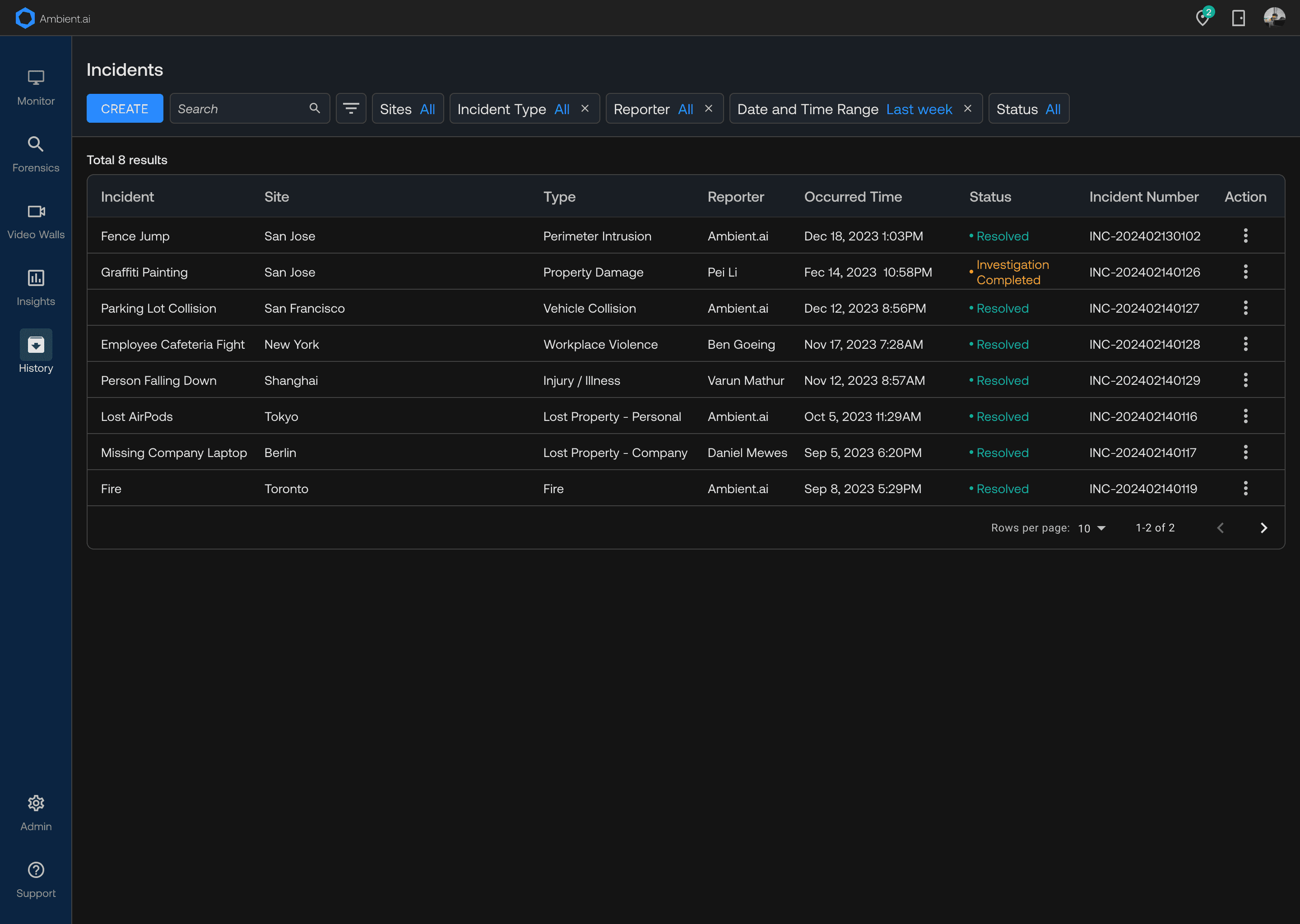
Case Management

Case Management